|
Advanced Search |
  
|
| Show/Hide Hidden Text |
|
Advanced Search |
|
| Show/Hide Hidden Text |
Advanced Search
In this search, you can search for documents for a specific Module, Transaction Type and Document Type by selecting various properties of the selected Module, Transaction Type and Document Type. You can choose various operators and even group more than one search criteria.
Note: |
||||||
|
To perform an advanced search follow below given steps:
1. In the Document Search window, click on the Advanced Search tab.
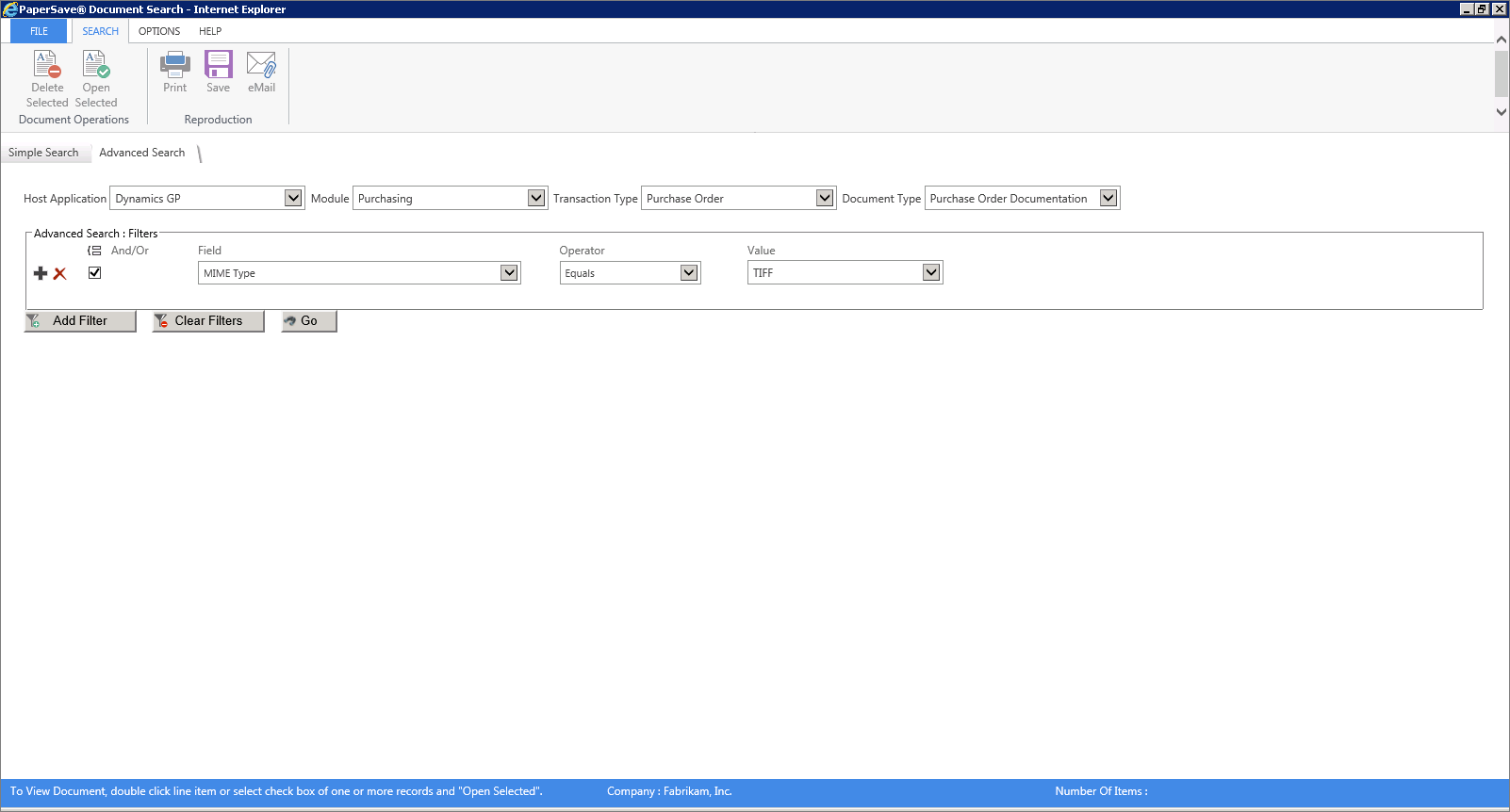
2. Select the appropriate Host Application, Module, Transaction Type from the drop-down list and select the appropriate Document Type from the drop-down list, if required.
3. Click Add Filter button.
4. Filters Panel will be displayed. Select the appropriate search criteria's from the drop-down list and click GO.
Note: |
To add more filters, you can either click Add Filter button or '+' icon and to delete the filters you can click on Clear Filters button to 'X' icon. |
 |
| Click on image to magnify/shrink |
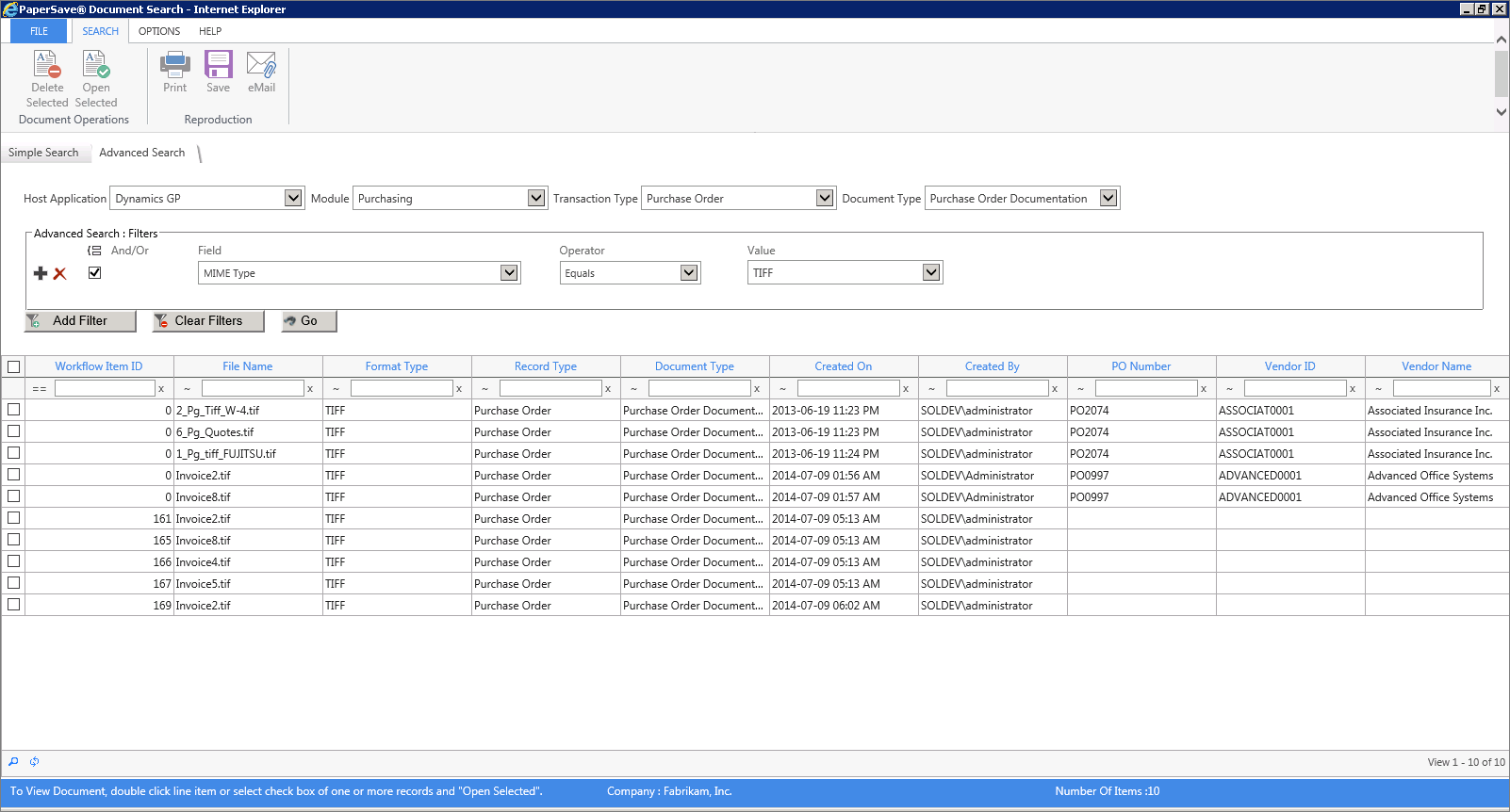
5. As you will click GO, all the records based on your search criteria will be available in the bottom panel as displayed in below screen.
 |
| Click on image to magnify/shrink |