|
Delete Script |
  
|
| Show/Hide Hidden Text |
|
Delete Script |
|
| Show/Hide Hidden Text |
To delete the script, you need to follow below given steps:
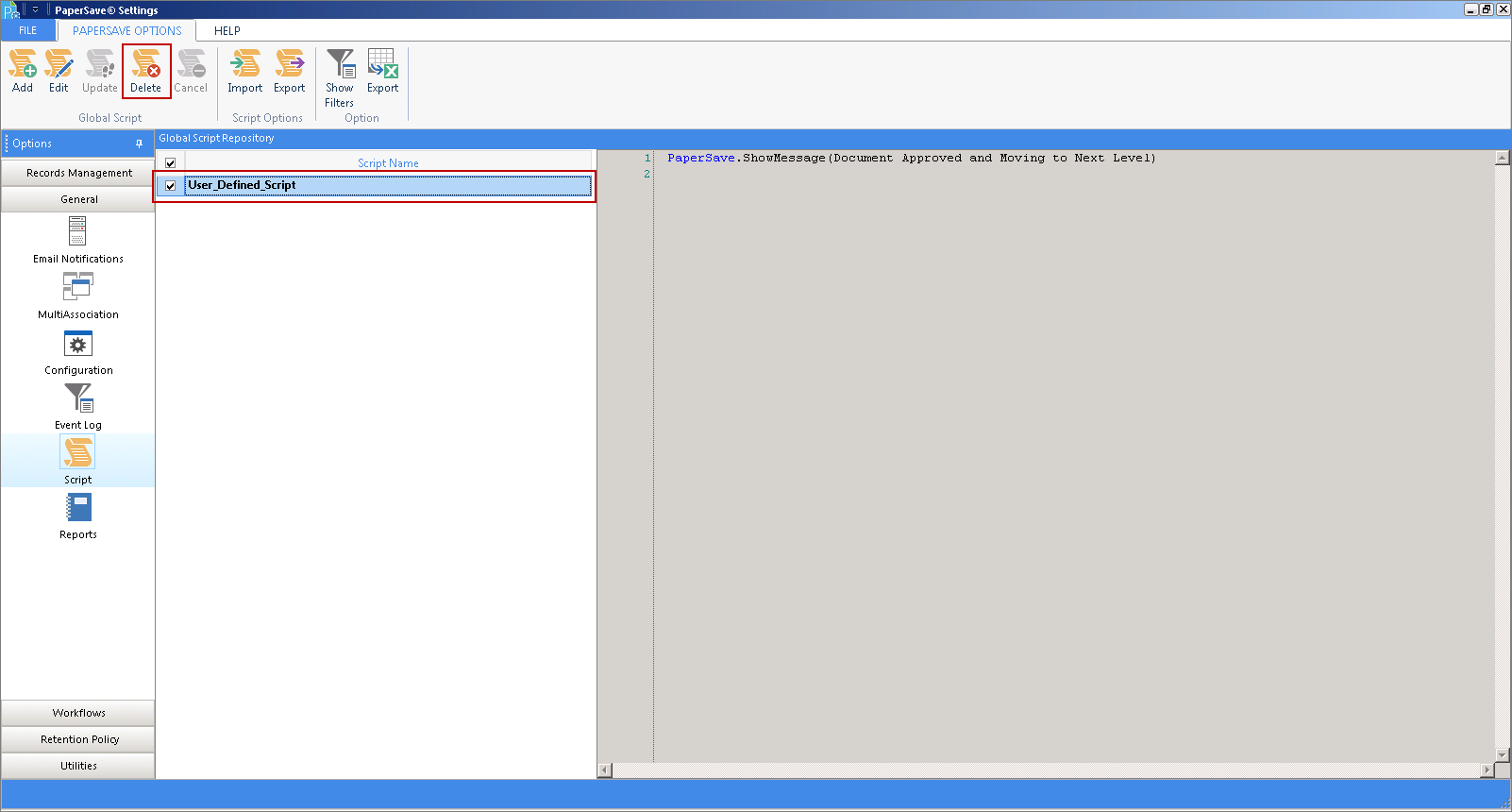
1. Select the script that needs to be deleted and click Delete.
 |
| Click on image to magnify/shrink |
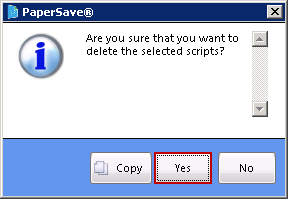
2. PaperSave will ask for the confirmation before deleting the script. Click Yes to continue deleting the script.
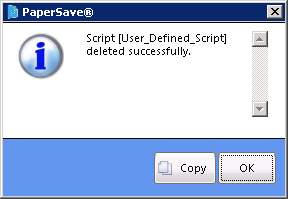
3. Once the script is deleted successfully, below displayed confirmation message will open. Click OK to exit the window.