
Integrated App Instances
PaperSave allows you to register/deregister and manage one or more integrated app instances related to your integrated application within PaperSave by using different data connections. The Integrated App Instances module can be accessed from the Application Integration section in the Configuration Area.
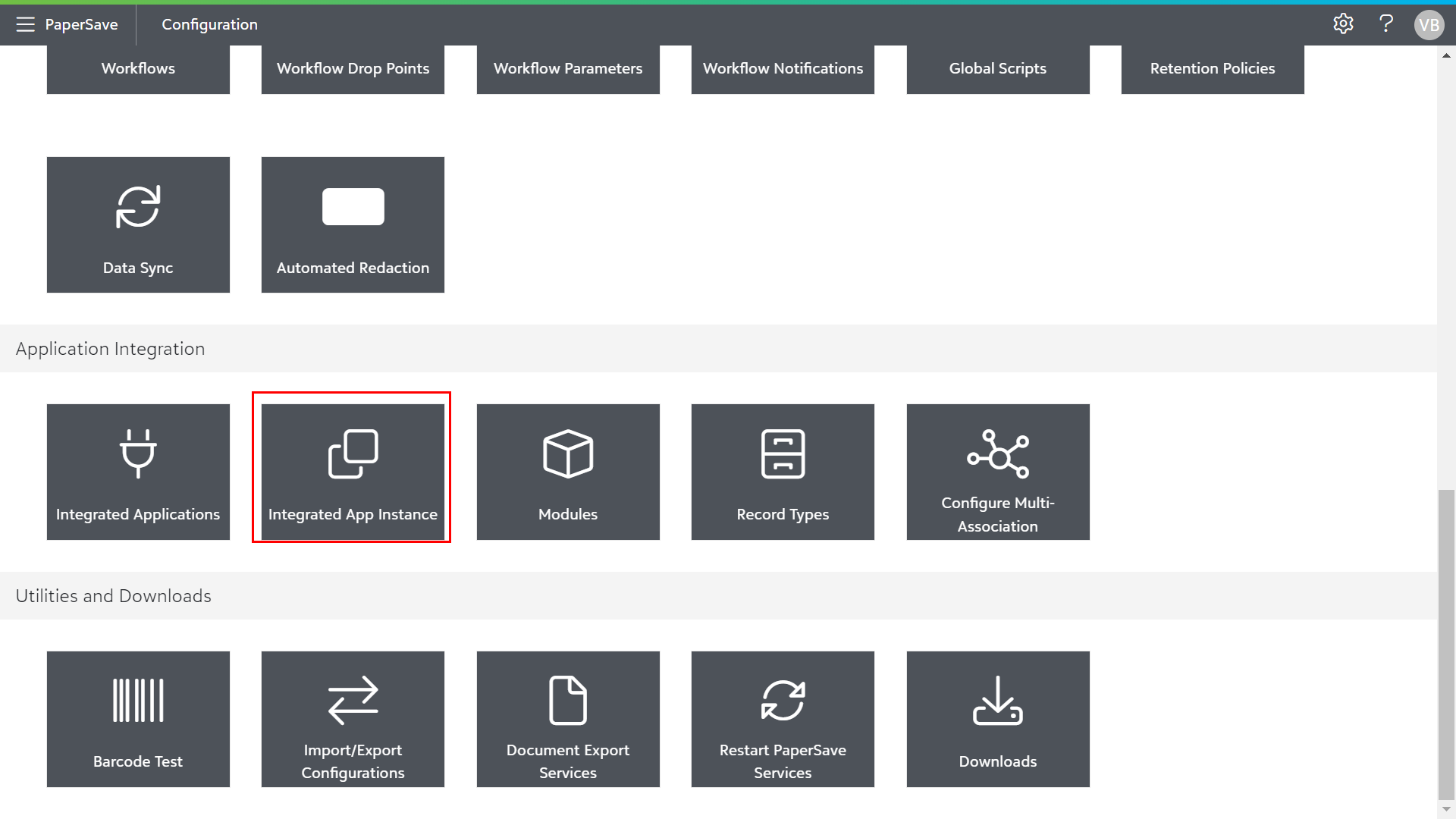
The following sections will show you how to add, manage or delete the integrated app instances:
List Toolbar options in Integrated App Instance
The following are the list toolbar options available in Integrated App Instance:
- +ADD: You can create a new integrated app instance.
- CHOOSE FIELDS: You can set desired preferences for the fields to be displayed in the current list of Integrated App Instances using Choose Fields.
- EXPORT TO EXCEL: You can export the current list of all integrated app instances to Microsoft Excel Sheet.
- REFRESH: You can get the updated list of integrated app instances.