
General System Information
The following are the steps to view the General System Information:
1) Navigate to the "General Settings" section within the Configuration Area page.
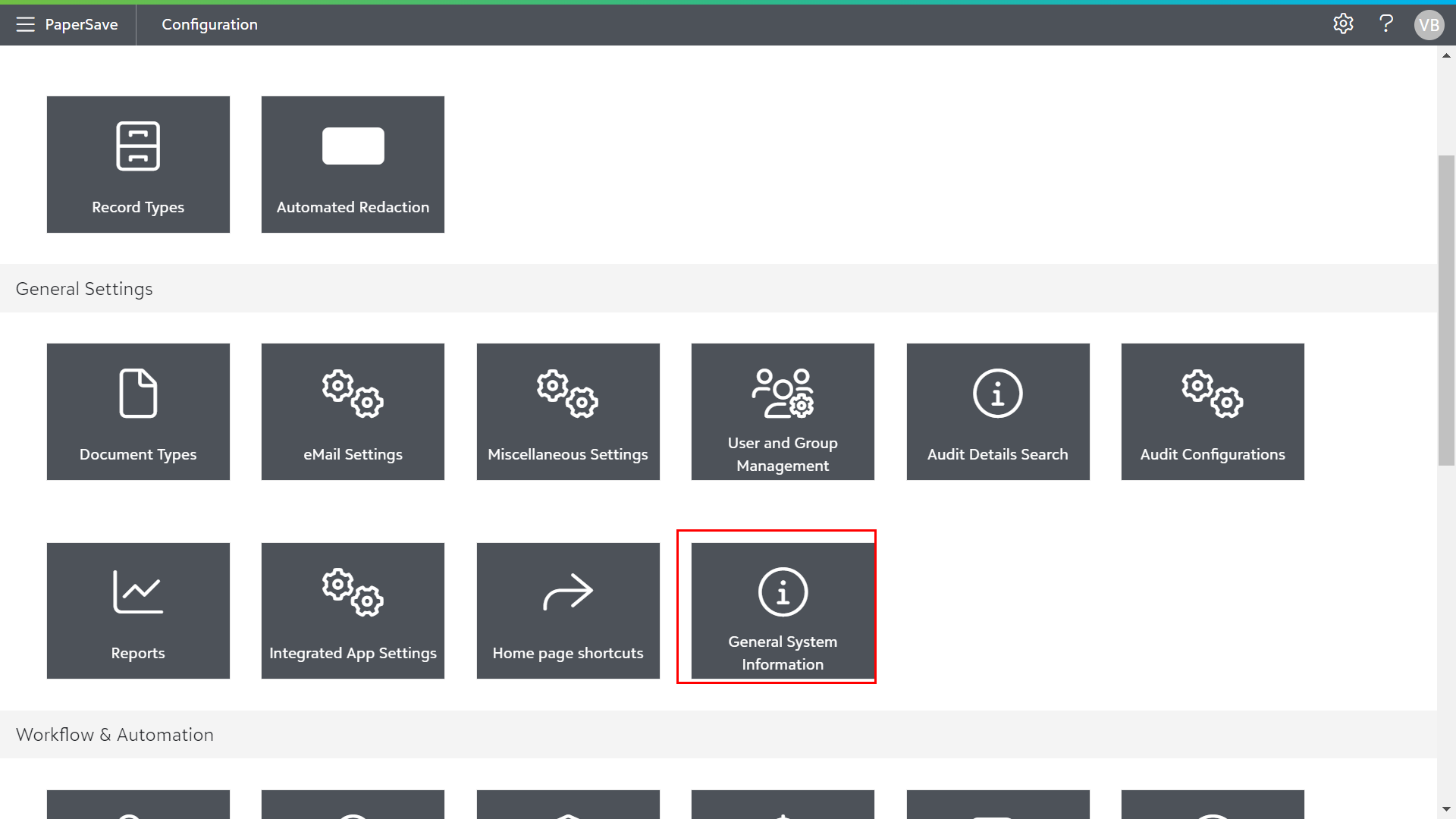
2) Click on the "General System Information" tile to view information about your PaperSave System such as PaperSave version, PaperSave Site URL, PaperSave REST WebAPI API Documentation, and PaperSave Database Server.
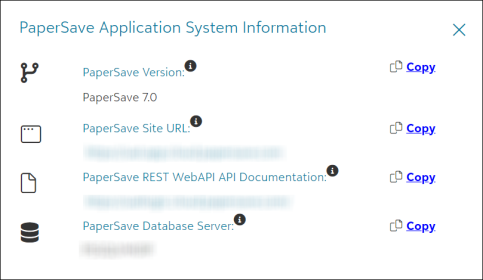
Tip: You can copy the required information using the "Copy" option beside the respective details.
Watch the video to know how to view General System Information.