
User and Group Management
User and Group Management module, facilitates you to add Users and Groups using Native Authentication and view and manage (update/delete) Users and Groups using Microsoft Entra ID Authentication, Onelogin and Okta.
PaperSave introduces pre-defined system tags that can be assigned to users to define specific roles and grant access rights for various PaperSave modules. you can define dynamic custom tags to categorize pool of users.
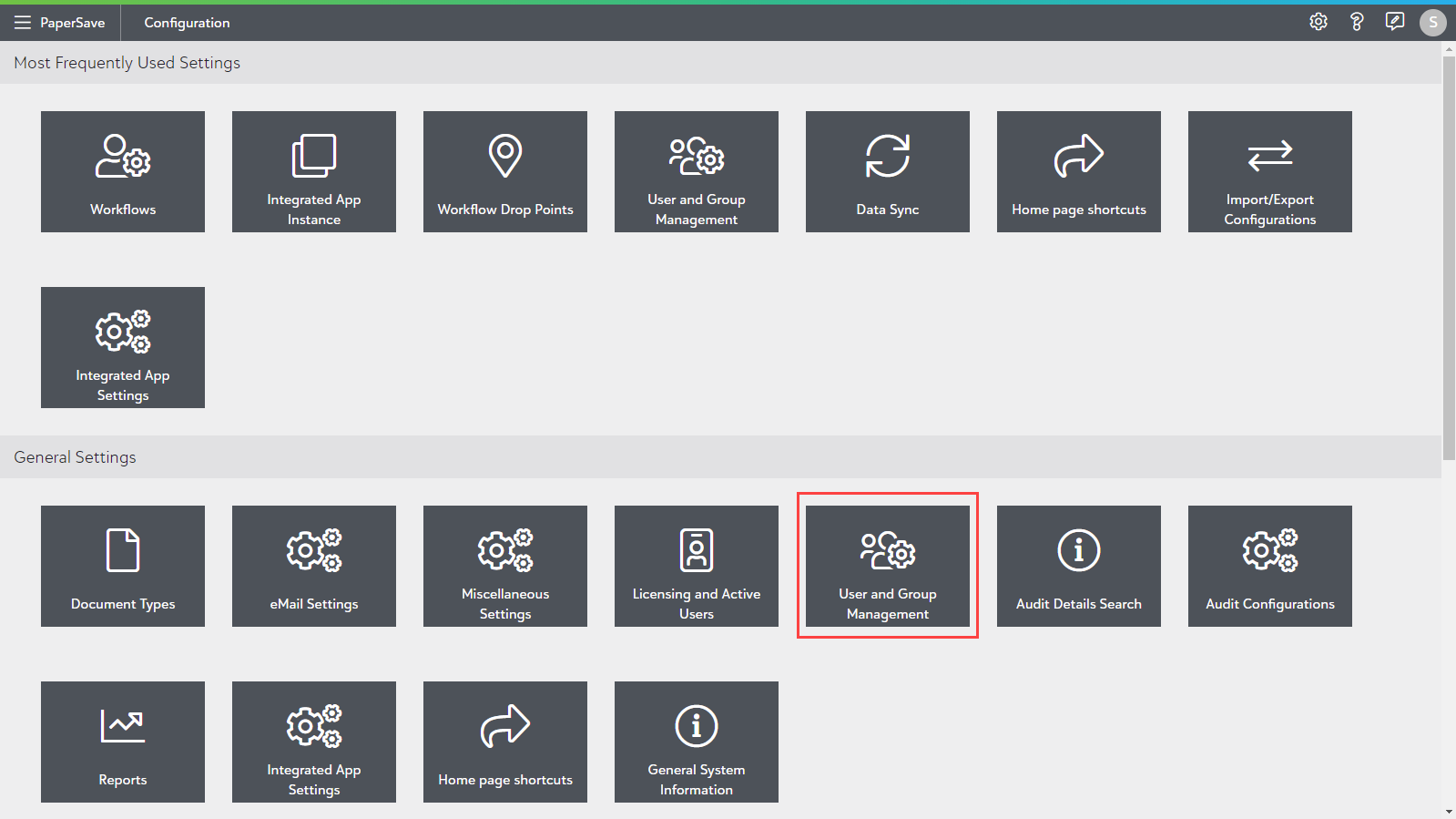
User and Group management module can be accessed from the General Settings section of the Configuration Area, as shown in the below screen.
This module allows you to manage user details such as email address, notification style, user tags profile picture and set out of office preferences. Also, you can add users to different groups based on the organizational requirements for PaperSaveCloud Native Authentication.
The following topics are covered in this section:
- Adding User
- Managing User
- Adding Group
- Managing Group
- Understanding Tags in User and Group management