
Workflow Fields
PaperSave allows you to create Workflow specific profile fields. Workflow Fields work exactly as Document Type profile fields, with the exception that the field data are only visible for Workflow items specific to a Workflow. When a Workflow item is associated with a record in the Integrated Application, then the document that is created from that association does not contain the Workflow Fields. This facilitates Workflow designers to define fields that are only relevant while a document is into a Workflow.
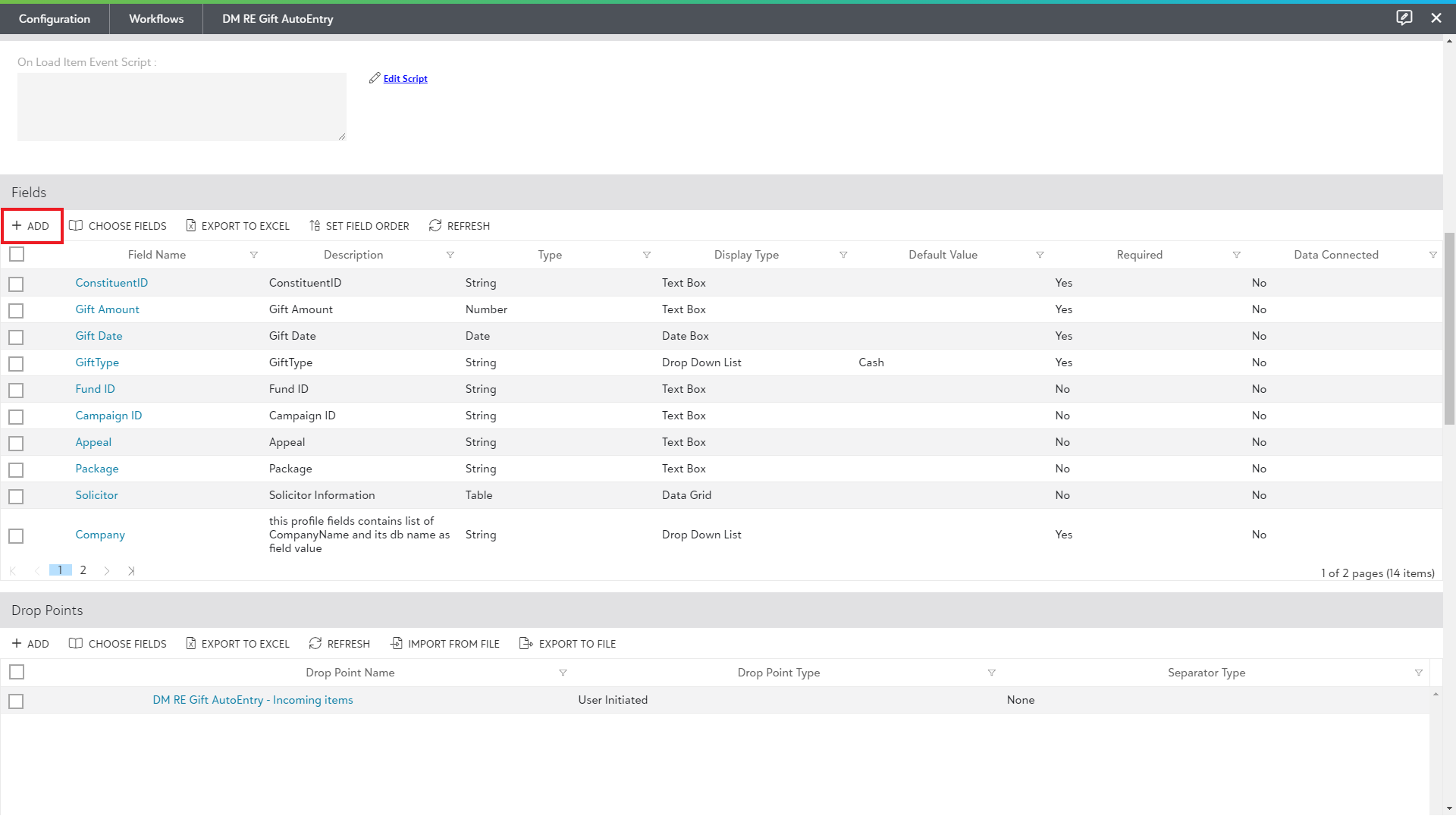
1) To add or access Workflows Fields, open an existing Workflow and scroll down to the Fields section as shown in the below screenshot.
2) Watch the video to know how to add and manage the Workflow Fields.
The following topic is covered within Workflow Fields section: