
Workflow Quick Measure
Workflow Quick Measure enables you to show various calculations or information about items based on selected fields when viewing the Workflow item list.
You can select aggregate functions such as “Sum”, “Minimum/Maximum”, “Top1”, “Average”, and “Count” to perform calculations on selected Workflow/Document type fields.
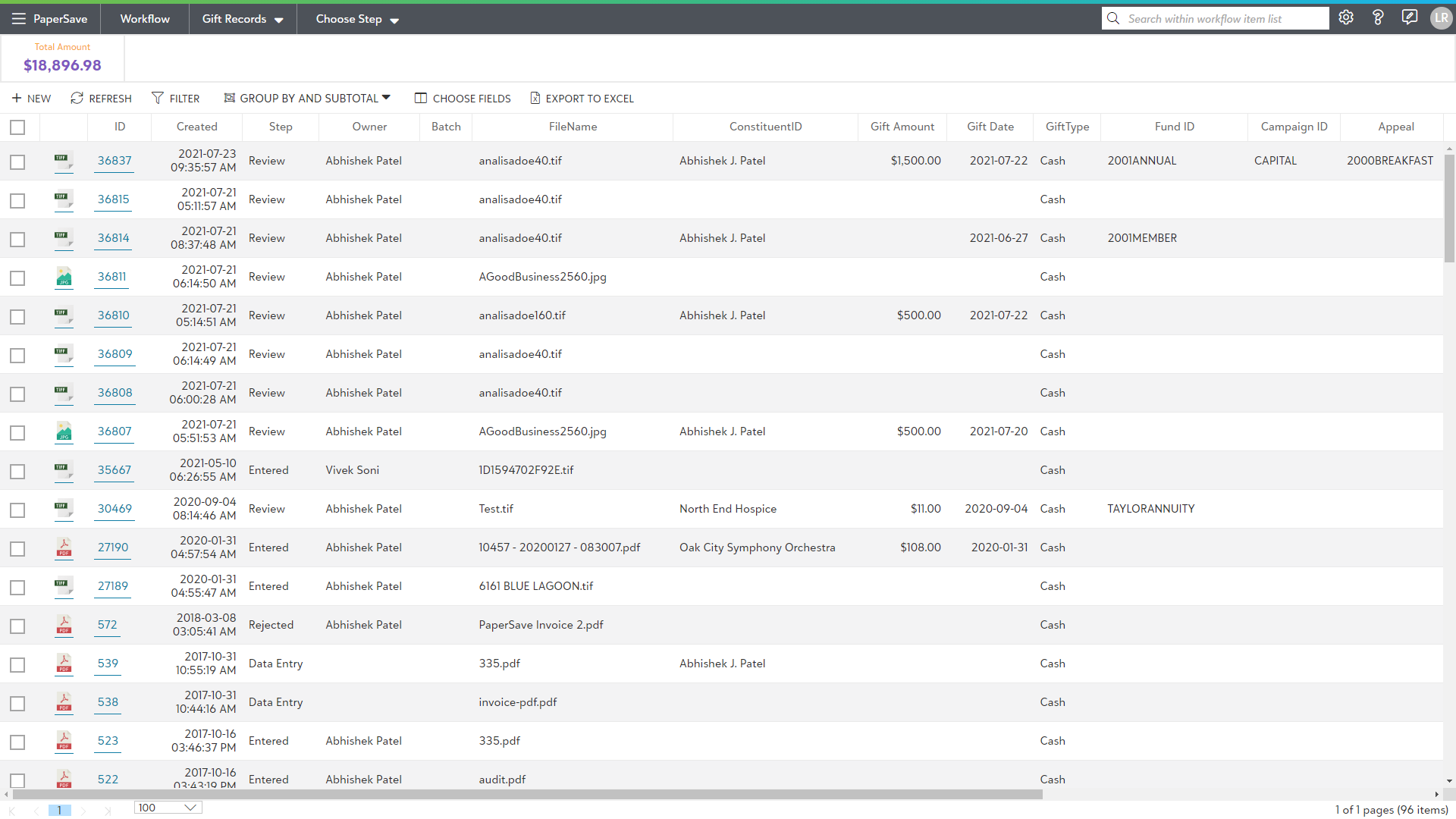
The results will be displayed for the specified Workflow under the application bar in the Workflow item list, as shown in the below screen:
To learn how to add, manage and delete the Workflow Quick Measures, see the following sections: