Deleting saved search queries
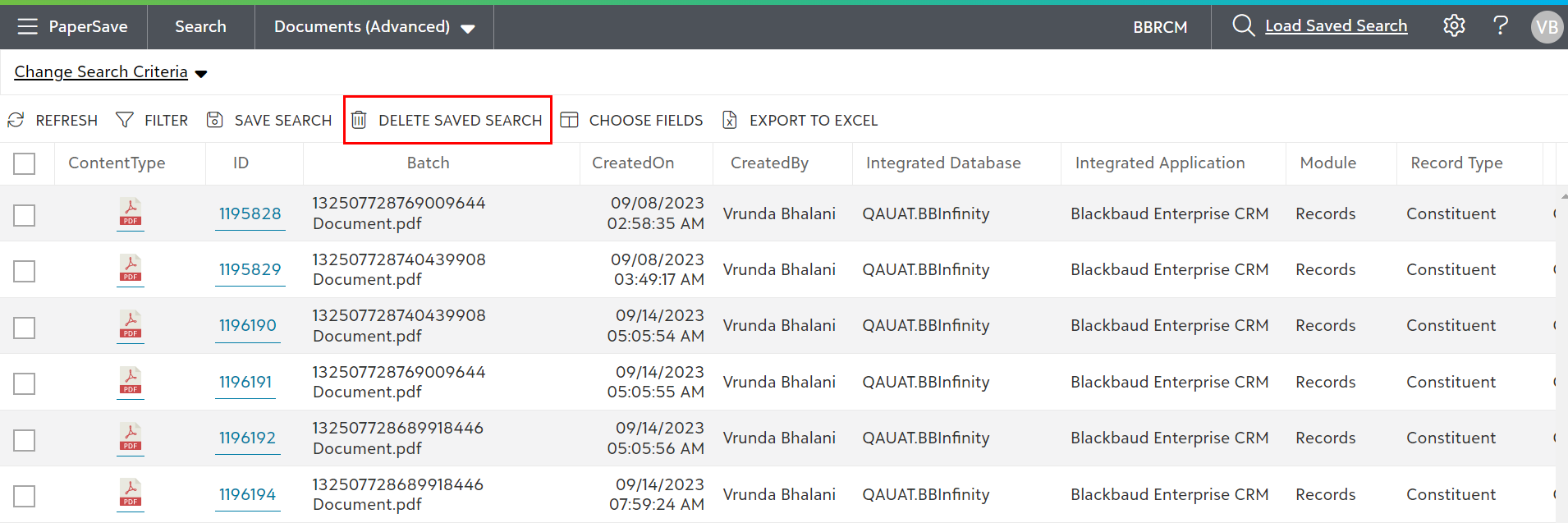
1) To remove the unwanted saved search criteria, you can click on the “Delete Saved Search” from the list toolbar. This option will be shown in the list toolbar after you have loaded a saved search.
2) On clicking “Delete Saved Search” option, the currently loaded saved search query will be deleted from the list.
Note: Delete Saved Search option gets enabled only when the loaded Saved Search was created by the current user.
3) You will receive a confirmation message that the saved search was deleted, as shown below.