
Item list
Submitted item list comprises the list of documents that are . In the Workflow item viewer, Click on  icon to access the submitted item list.
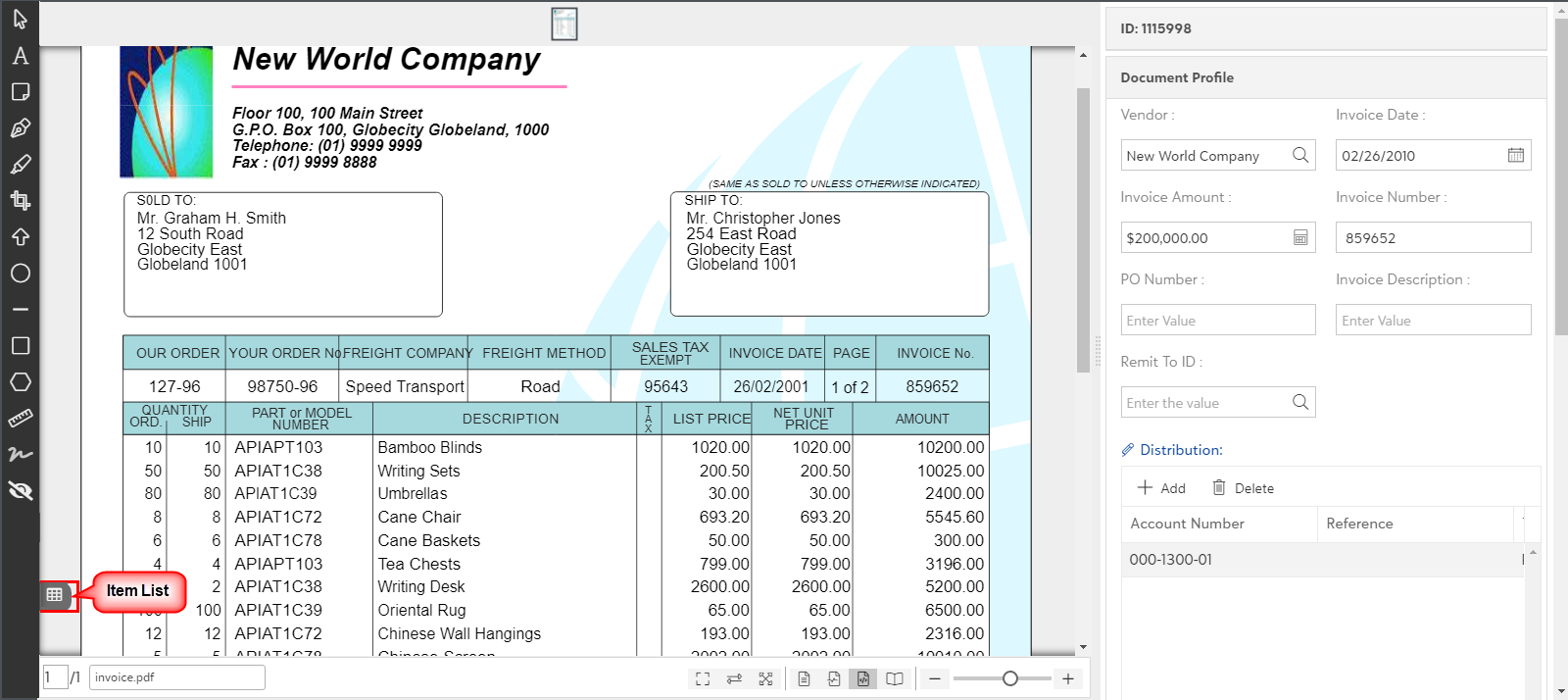
As you click on icon in the item viewer, a slide out panel with the list of submitted items shall launch in the left corner of the screen. You can see the profile field details for all the submitted items as shown below:
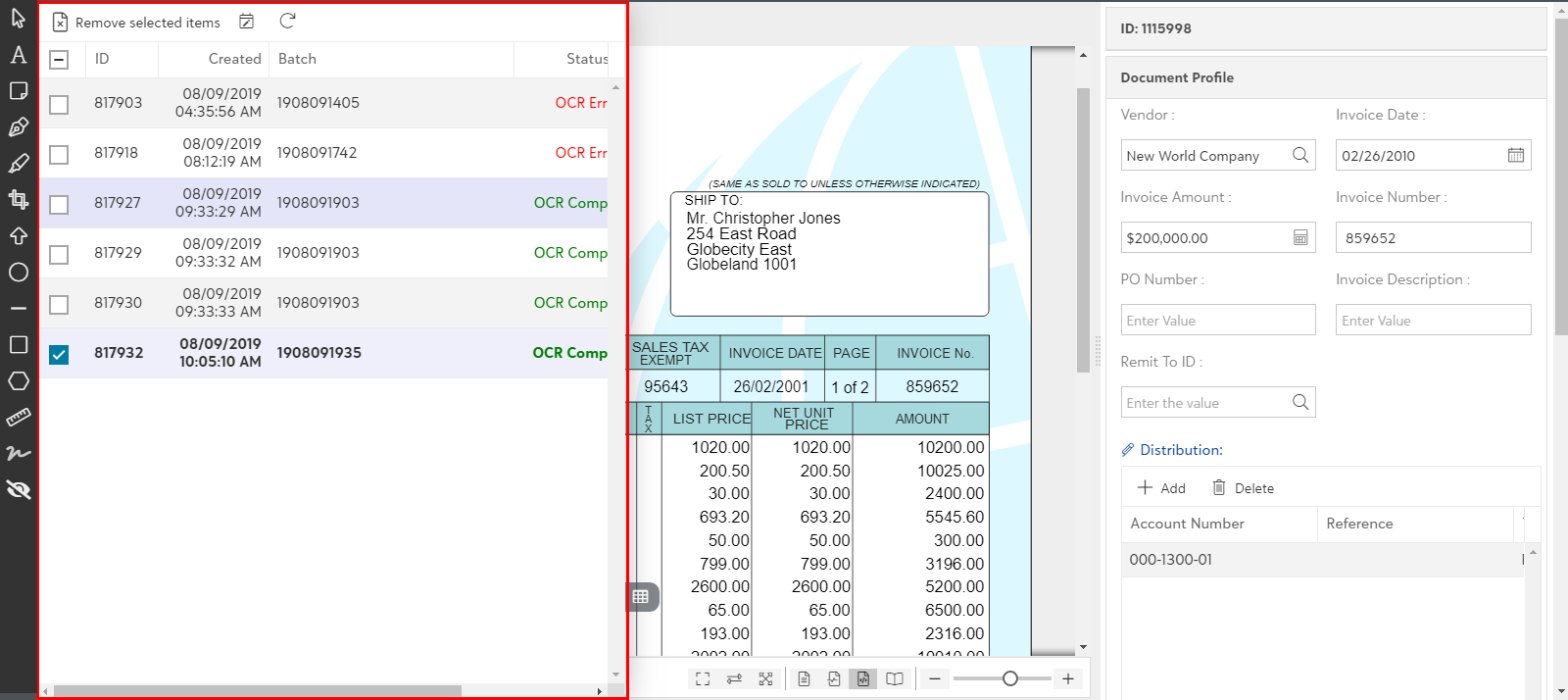
- Double click on the desired item from the list to open it in the item viewer.
Tip: Status column will be visible for such items that include OCR processing.