
Integrated App Search Slide Up toolbar
The Integrated App Record Search offers a Slide up toolbar as shown below:
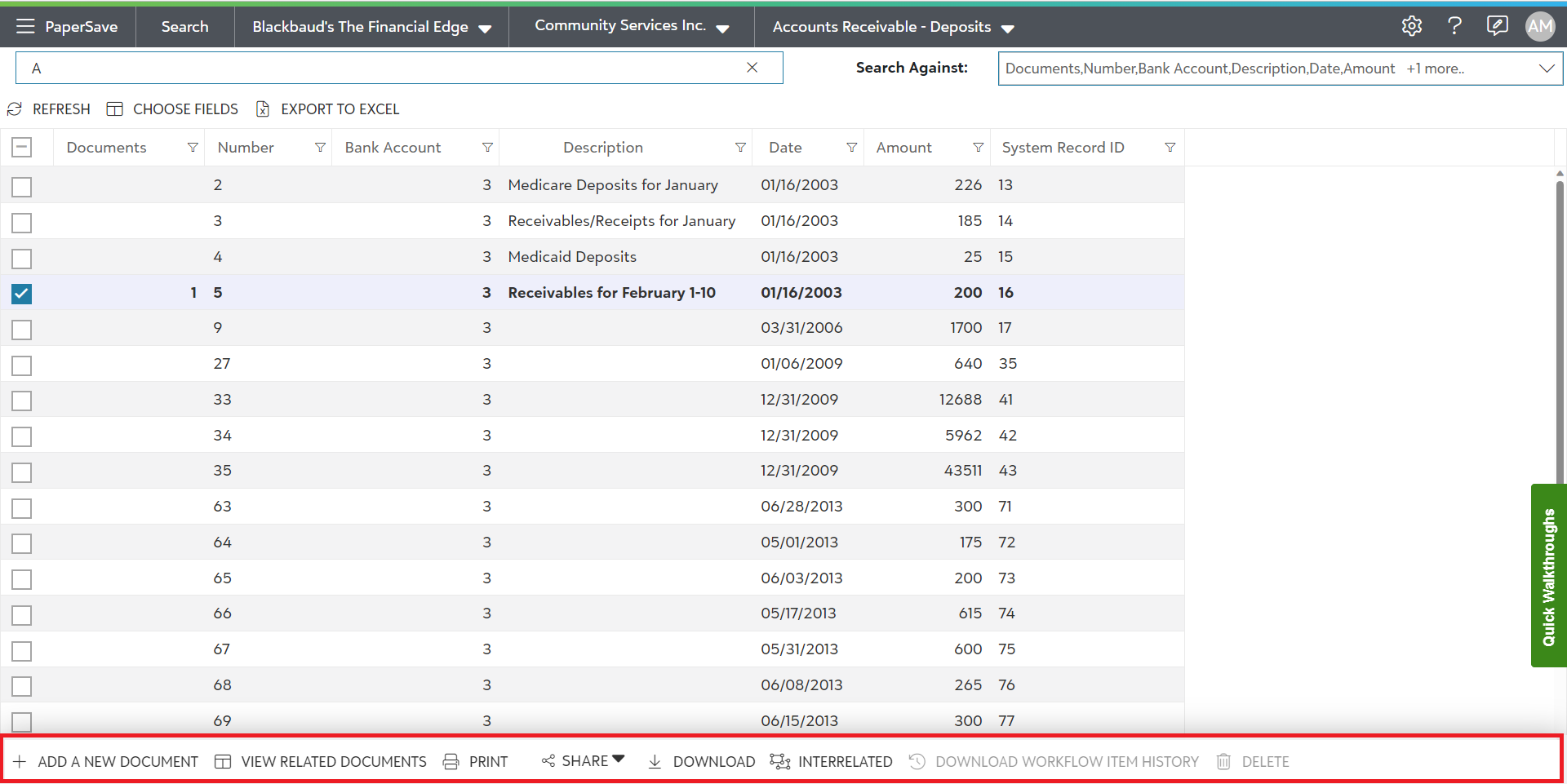
The following are the options in the Integrated App Search Slide up toolbar:
The slide up toolbar offers various operations that can be performed on single or multiple records in the list.
- ADD A NEW DOCUMENT
This option enables you to add a new document to the selected record(s). Click on this option to be redirected to the 'File Capture' options panel.
- VIEW RELATED DOCUMENTS
You can view the list of documents that are associated with the selected record. When there is only one document related to the selected record, it will be displayed in the item viewer.
Currently, this option is not available for the users.
- SHARE
You can share the selected item(s) by sending the file in eMail , sending the link of the file in the eMail or copy the link of the file to clipboard.
- DOWNLOAD
Currently, this option is not available for the users.
- INTERRELATED
This option allows you to view documents that are indirectly related/associated to the selected record or document type based on the interrelationships that have been defined in the PaperSave Configuration Area.
- DOWNLOAD WORKFLOW ITEM HISTORY
When a document has gone through a PaperSave Workflow, this option will allow you to download the history for the selected item as it moved from one step to another. This option will be disabled if the document has not traversed through a workflow.
- DELETE
Currently, this option is not available for the users.