
ScanNow using Fujitsu fi-NX scanner
Watch the video to learn how to scan the documents using Fujitsu fi-NX scanner to add to the Workflow.
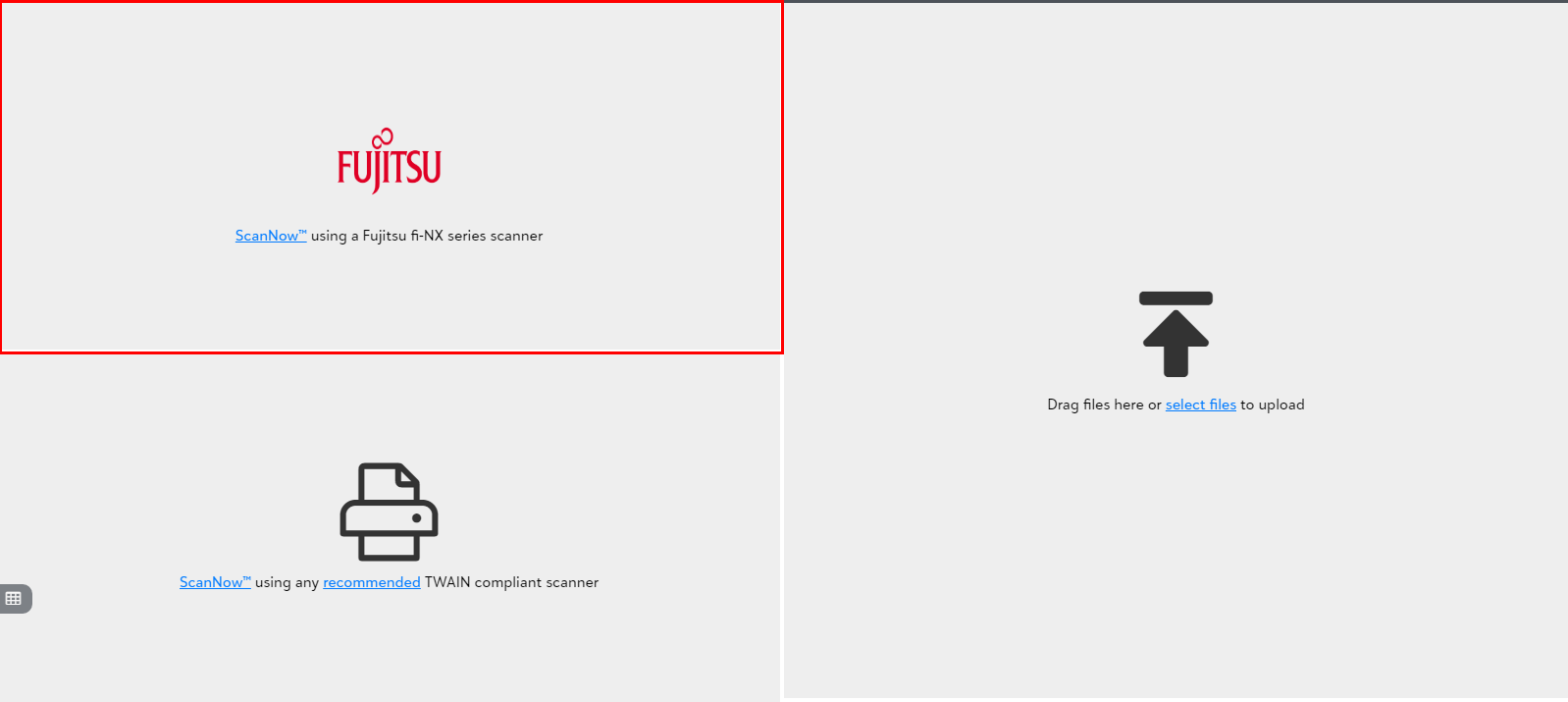
1) Click on the "Scan NowTM using Fujitsu fi-NX series scanner" in the file capture options panel to add a document from a Fujitsu fi-NX series scanner as shown below.
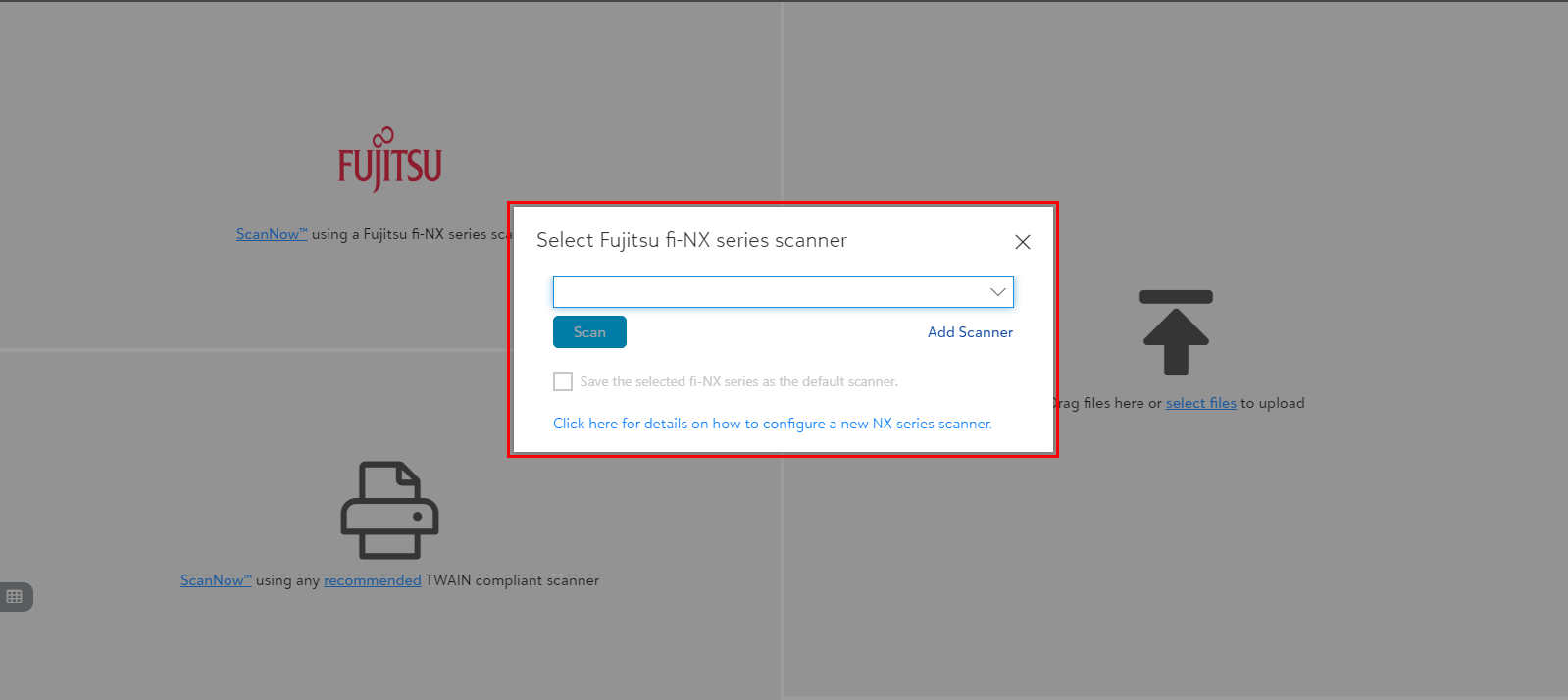
2) You will be prompted to pick a scanner from the available list of scanners upon clicking "Scan Now using Fujitsu fi-NX scanner". Select a scanner from the available list of scanners to proceed scanning as shown below:
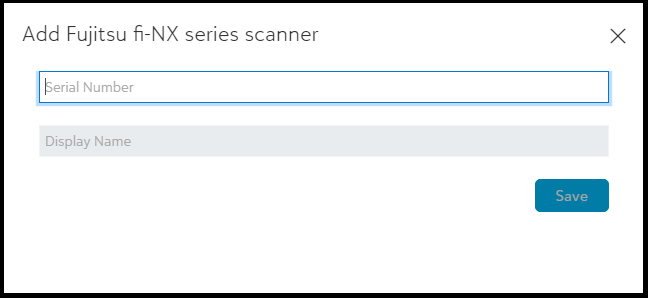
3) Click on "Add Scanner" to add a new Fujitsu fi-NX series scanner to the scanner list by entering required details.
Tip: See the instructions to configure new fujitsu fi-NX series scanner by clicking on the link "click here for details on how to configure a new NX series scanner" at the bottom part of the select Fujitsu scanner dialog.