
Selecting the type of document to acquire
This is the first screen that appears when you open the Acquire area. You need to select the type of document you wish to acquire from the following options as shown below:
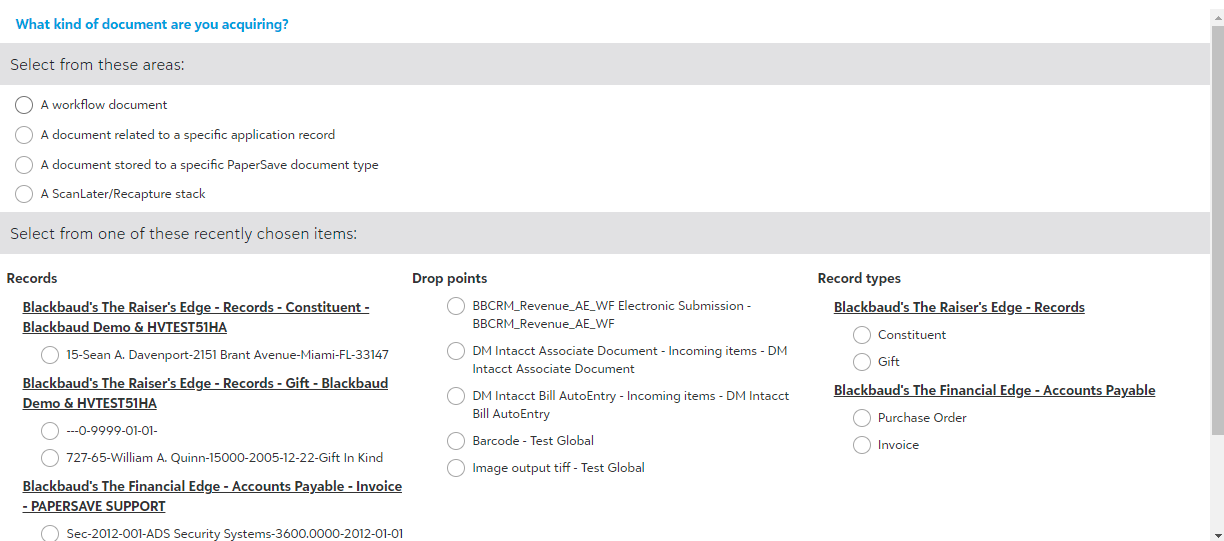
The following is the brief description for the available options:
- A Workflow Document: Select this option to add documents to a desired Workflow using the available drop points.
- A document related to a specific application record: Select this option to add documents to desired records of an Integration application.
- A document stored to a specific PaperSave document type: Select this option to add documents to a document type in PaperSave.
- A ScanLater/Recapture stack: Select this option to add a stack of documents to previously generated ScanLater coversheets.
Note: "A ScanLater/Recapture stack" is a PaperSave Add-On Module. If you do not see this feature as an option in Acquire Area homepage, then please contact sales@papersave.com for more information on this Product.
- Select from one of these recently chosen items: Select this option to continue adding documents to recently acquired documents.