
Browsing PaperSave (standalone) documents
The Browse area facilitates you to browse through PaperSave documents for desired document types.
Watch the video covers to learn how to browse PaperSave standalone documents.
You can choose the PaperSave Context from the tree view on the left corner of the screen as shown below:
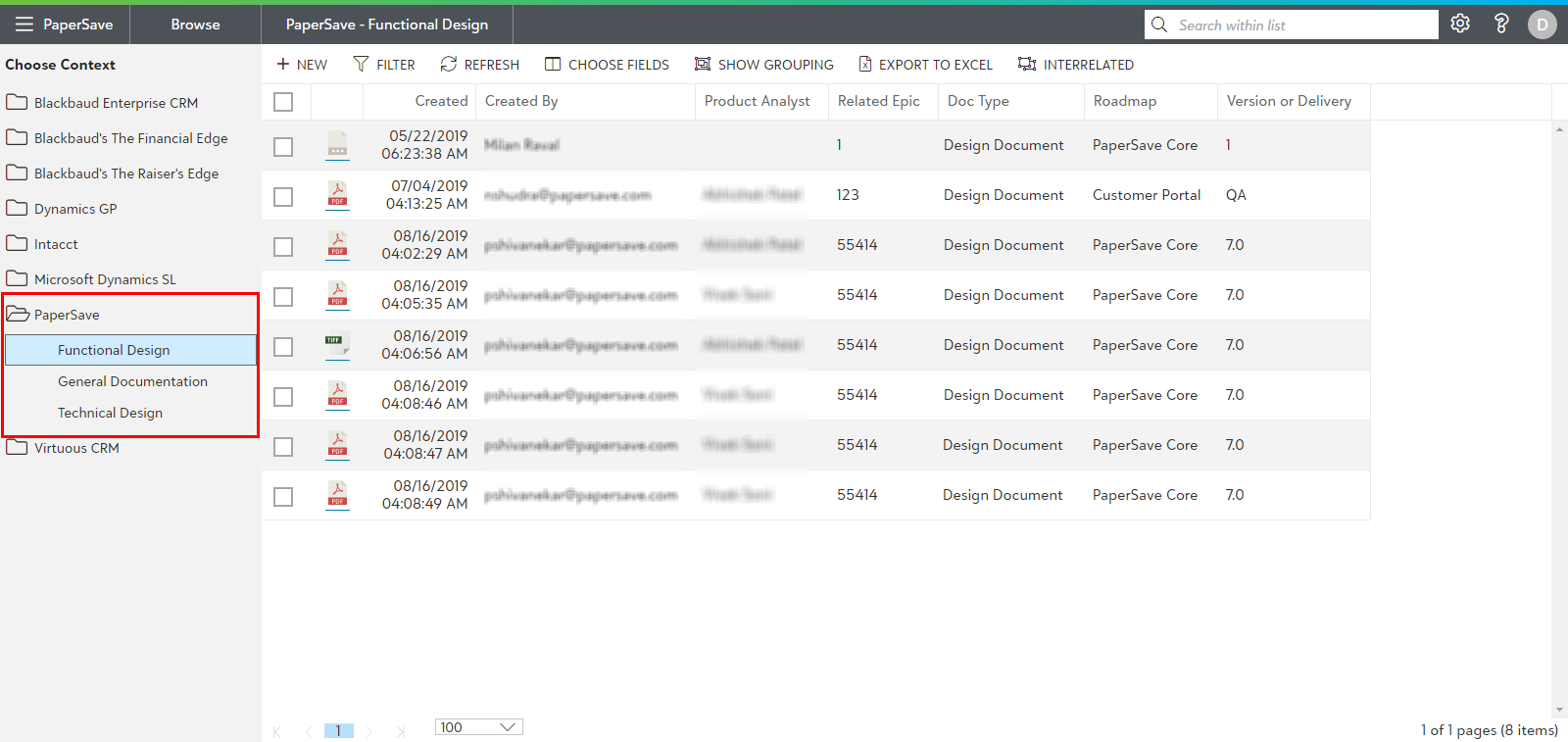
The Area displays a list of documents for PaperSave context for the selected document type.
Tip: Document Count column will display the total number of documents attached to that particular record for any chosen context.
Note: The Browse Area displays only those document type for which the current user has the rights to view documents for.