
Choosing a Workflow
The first step to begin with Workflow Area is to choose a Workflow from the available list of Workflows.
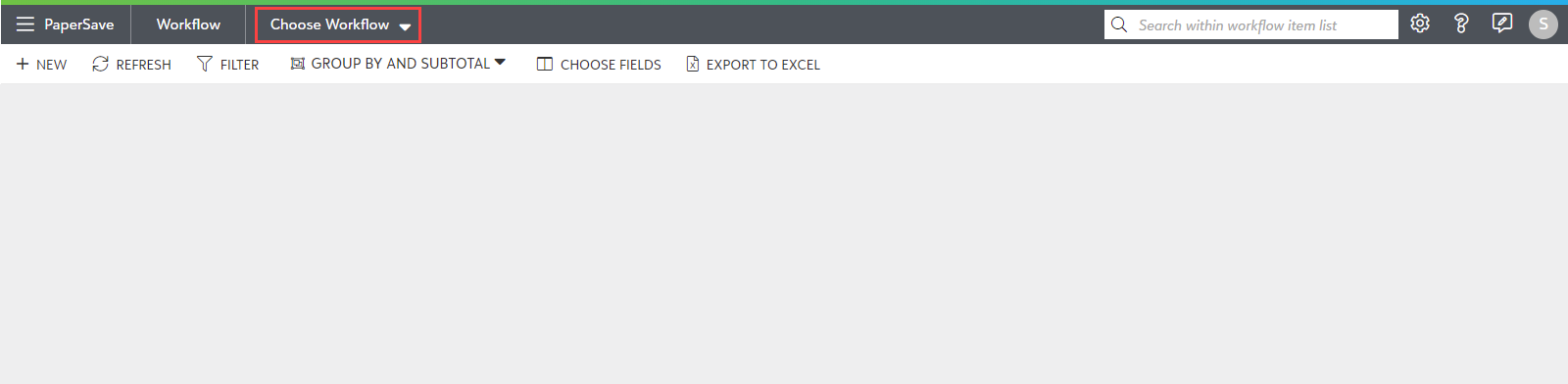
1) Click on the “Choose Workflow” dropdown in the application bar, as shown in the below screen.
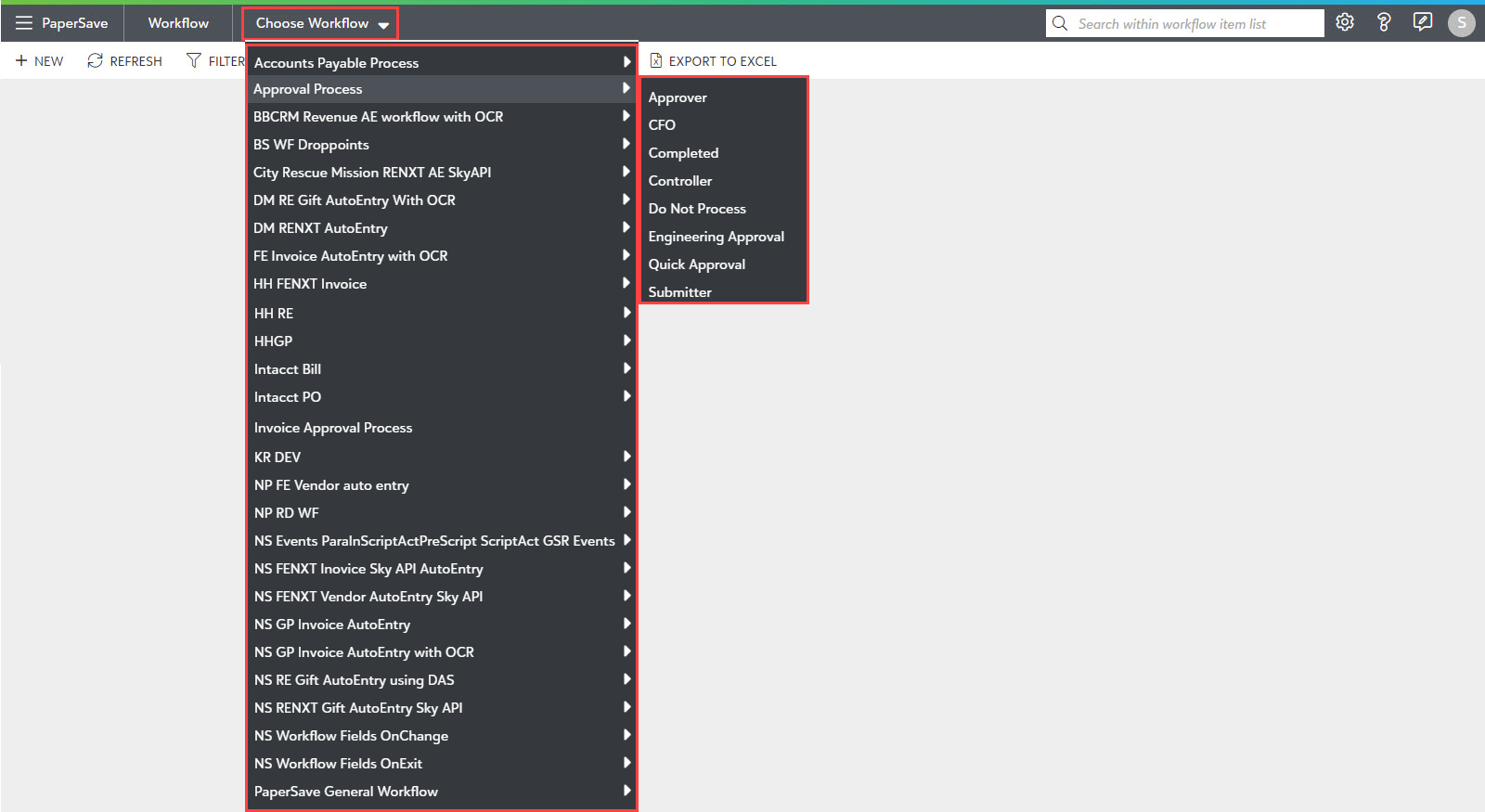
2) You will see a list of available Workflows in the dropdown. Click on the desired Workflow from the list as shown below. Also, you can optionally select the Workflow step from the "Choose Step" dropdown to access the Workflow items that belong to a specific Workflow step.
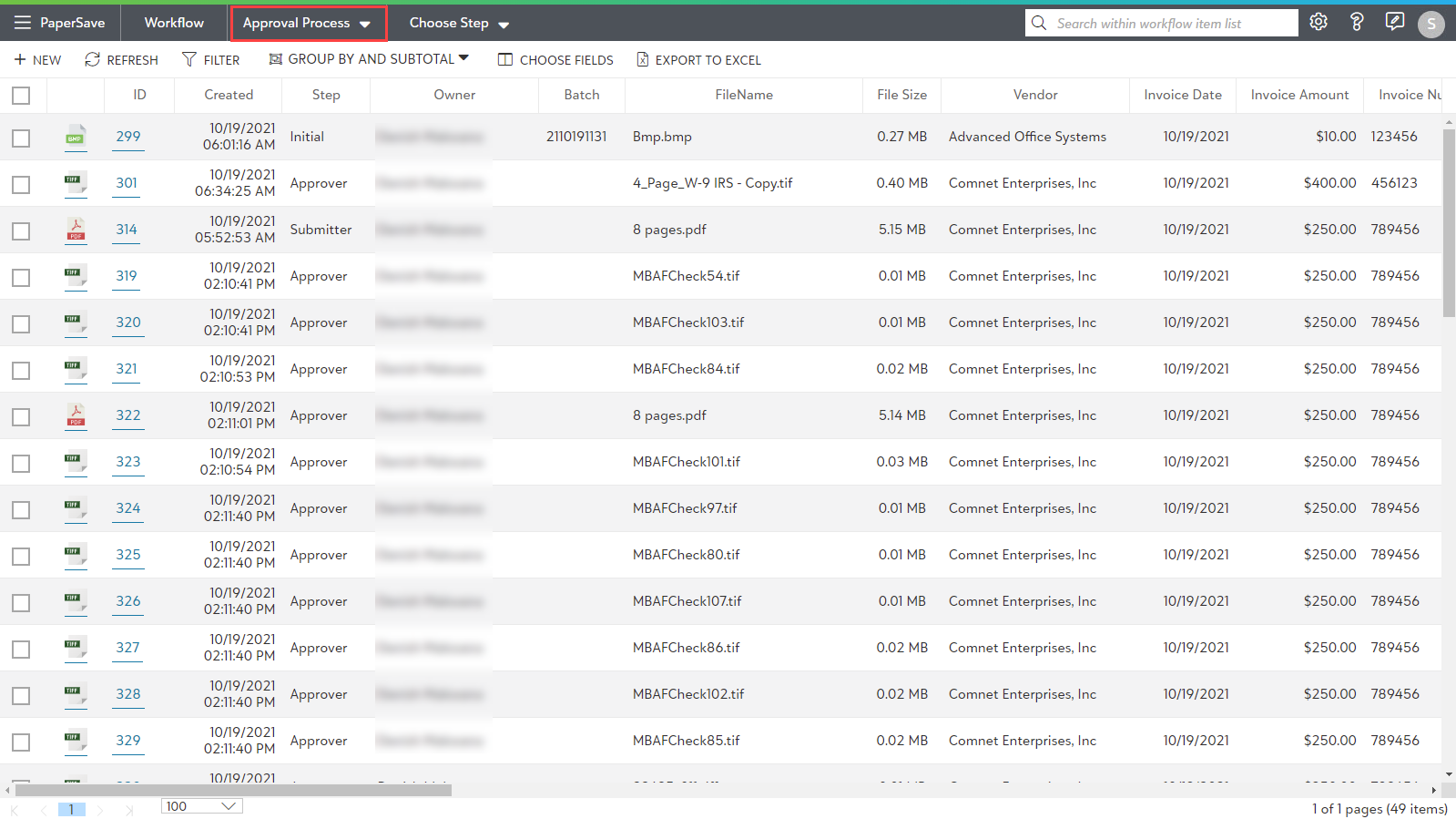
3) Once you have selected your Workflow and/or step, you will see all the related Workflow Items in the Workflow item list, as shown in the below screen.
Workflow items will be displayed in the list only if any of the below conditions are met:
- The current user has rights to view items that they do not own for a specific Workflow(s).
- The current user is a Workflow Super Admin.
- The current user is the owner of an item in the Workflow.
Tip: User Permissions for all the Workflows can be managed in the Configuration Area.