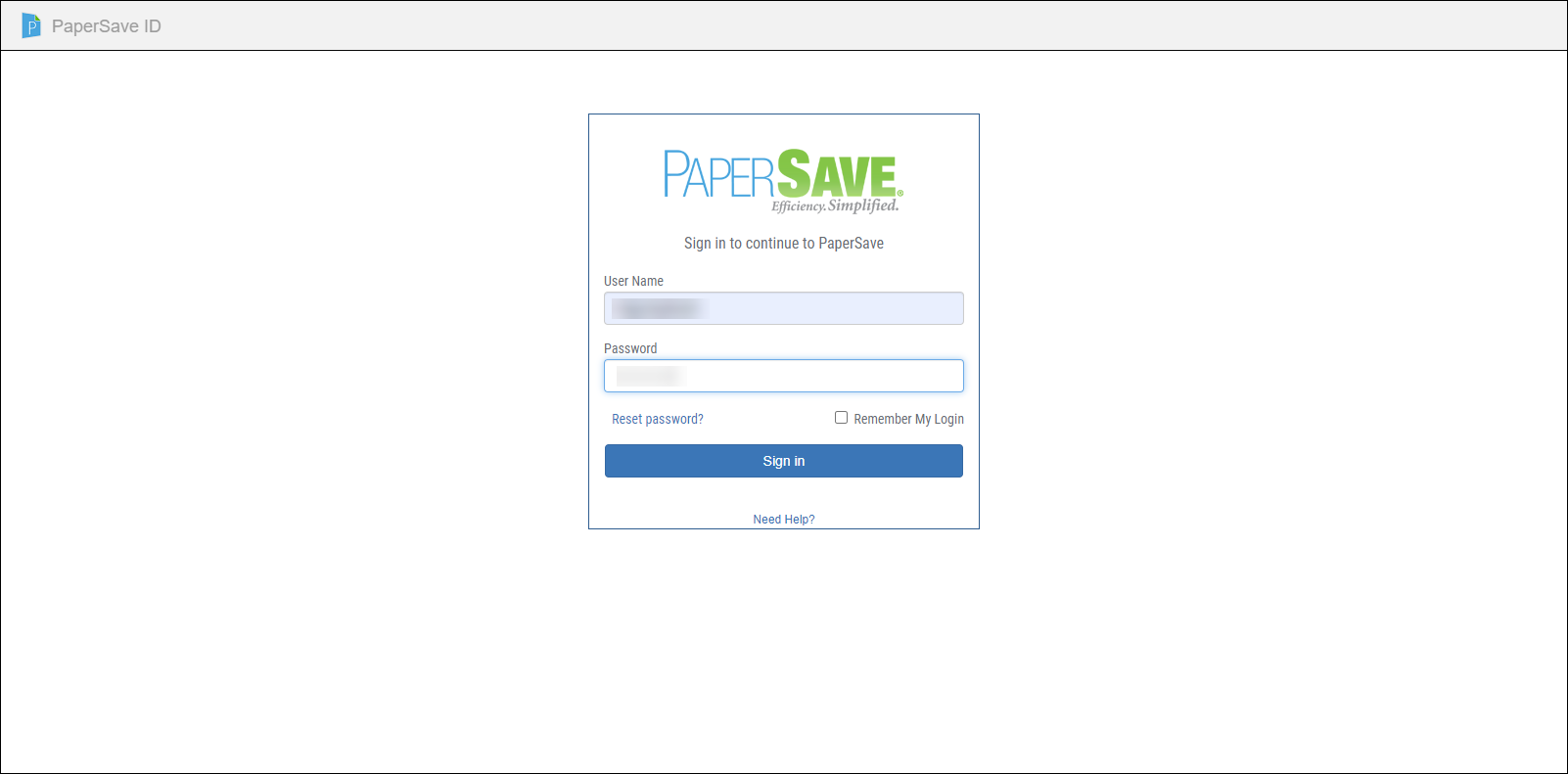
Log in to PaperSave
This section describes how to access PaperSave application. You can access PaperSave application using Supported Browsers.
To log in to PaperSave:
1) Open your web browser and type the PaperSave URL and press Enter key.
2) PaperSave log in screen appears. Enter your credentials to log in to PaperSave.
a)User Name - Enter your user name to log in to PaperSave.
b)Password - Enter your user password to log in to PaperSave.
c)Remember My Login - Select this option if you want PaperSave to remember your log in username and password. PaperSave will remember your log in details and will log you in automatically in PaperSave.
d) Click on the Sign in button to sign to PaperSave.
d)Reset Password- If you want to reset the password, then click on “Reset password?" to reset the password. An email containing the password reset link will be sent to your registered email address from where you can reset the password.