
Add a new document to a Raiser's Edge record
You can add new documents to an integrated app record using various file capture options such as scan documents using TWAIN compliant scanner or Fujitsu fi-NX series scanner, uploading files from your file explorer, and generate a barcode to scan the documents in a batch at a later time.
Follow the below steps to add a new document in an Raiser's Edge record:
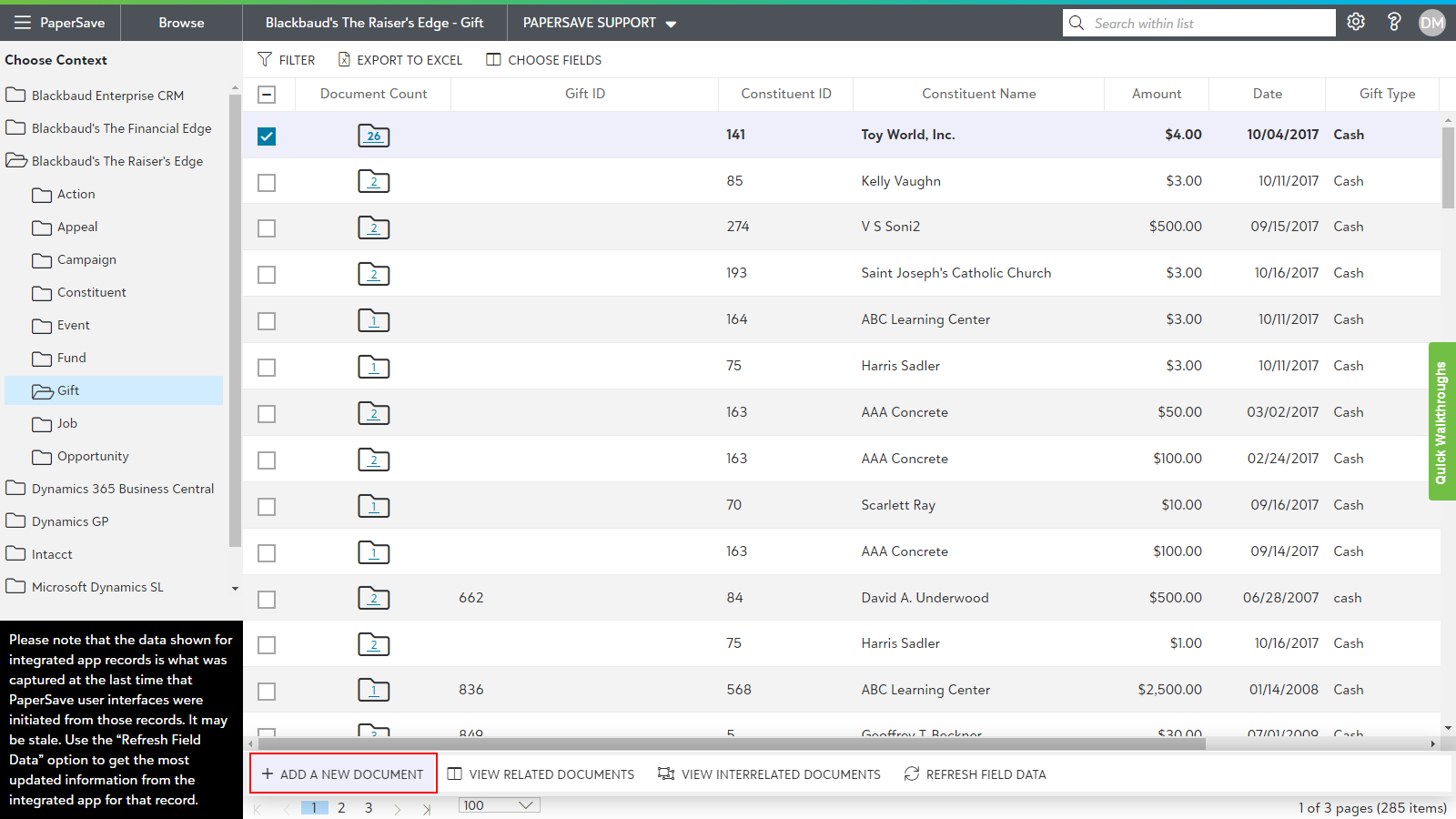
- Choose the desired context in the left tree view. you will see list of records for the selected integrated application context.
- Select the desired record for which you wish to add a new document.
- Click on the option titled "ADD A NEW DOCUMENT" from the slide up panel that pops up from the bottom of the screen as shown in the below screen.
Following are the topics related to Adding a new document to Raiser's Edge record: