
ScanNow using Check Scanner
The following video covers how to acquire checks using check scanner in the Acquire Area:
Note: To view the Check Scanner acquisition method, you need to define the drop-point with the separator type as check separator type. This can be managed from the Workflow Drop Points tile in the Configuration Area.
Click on the "ScanNow™ using any check scanner" option in the file capture options panel to add a document from a check scanner as shown below:
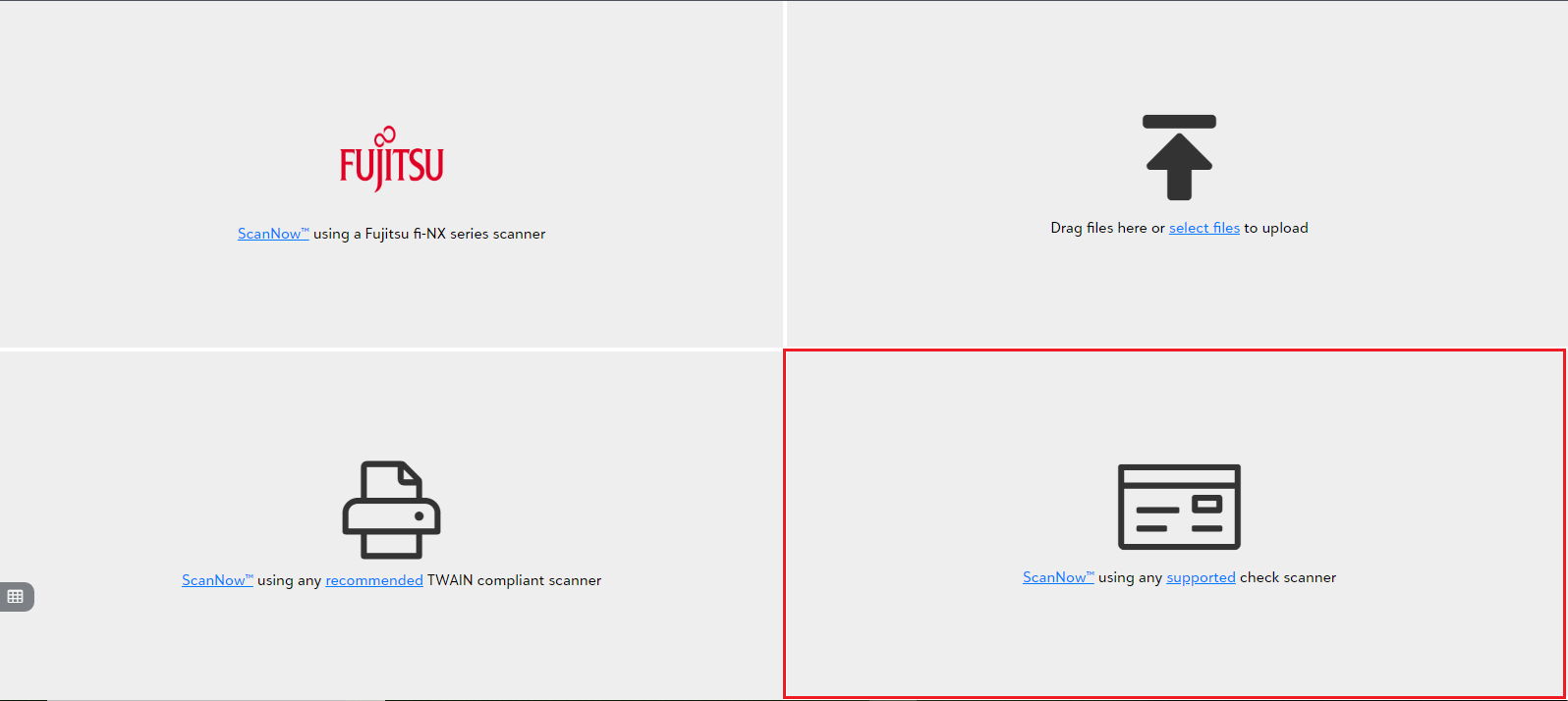
- You will be prompted to pick a scanner from the available list of scanners upon clicking "Scan Now using check scanner".
Tip: The app will prompt you to download and install the PaperSave Windows Client upon scanning for the first time. You must download it as per the given instructions to scan documents using the check scanner.