
Uninstall the Plugins from Firefox
Follow the below steps to uninstall the RE NXT plugins from Firefox.
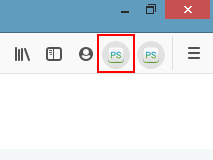
- First, right-click on the RE extension from the toolbar section of Firefox.
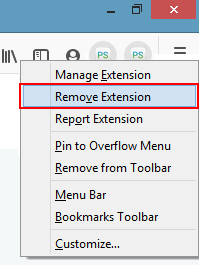
- Click on the “Remove Extension” option as shown below.
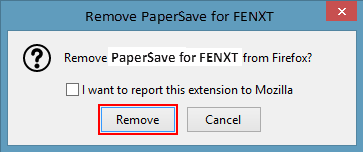
- Then, a confirmation dialog box will pop-up. Click on the “Remove” button to confirm the uninstallation.
Note: User can also uninstall PaperSave without login into Raiser’s Edge just by clicking on extensions from the toolbar section of the browser and perform the steps mentioned above.