
Open Workflow
The Open Workflow option will open the Workflow Area of PaperSave in your default browser. The Workflow area is where you can perform various functions on the items in the available Workflows.
Follow the below steps to open PaperSave Workflow Area from the Raiser's Edge application.
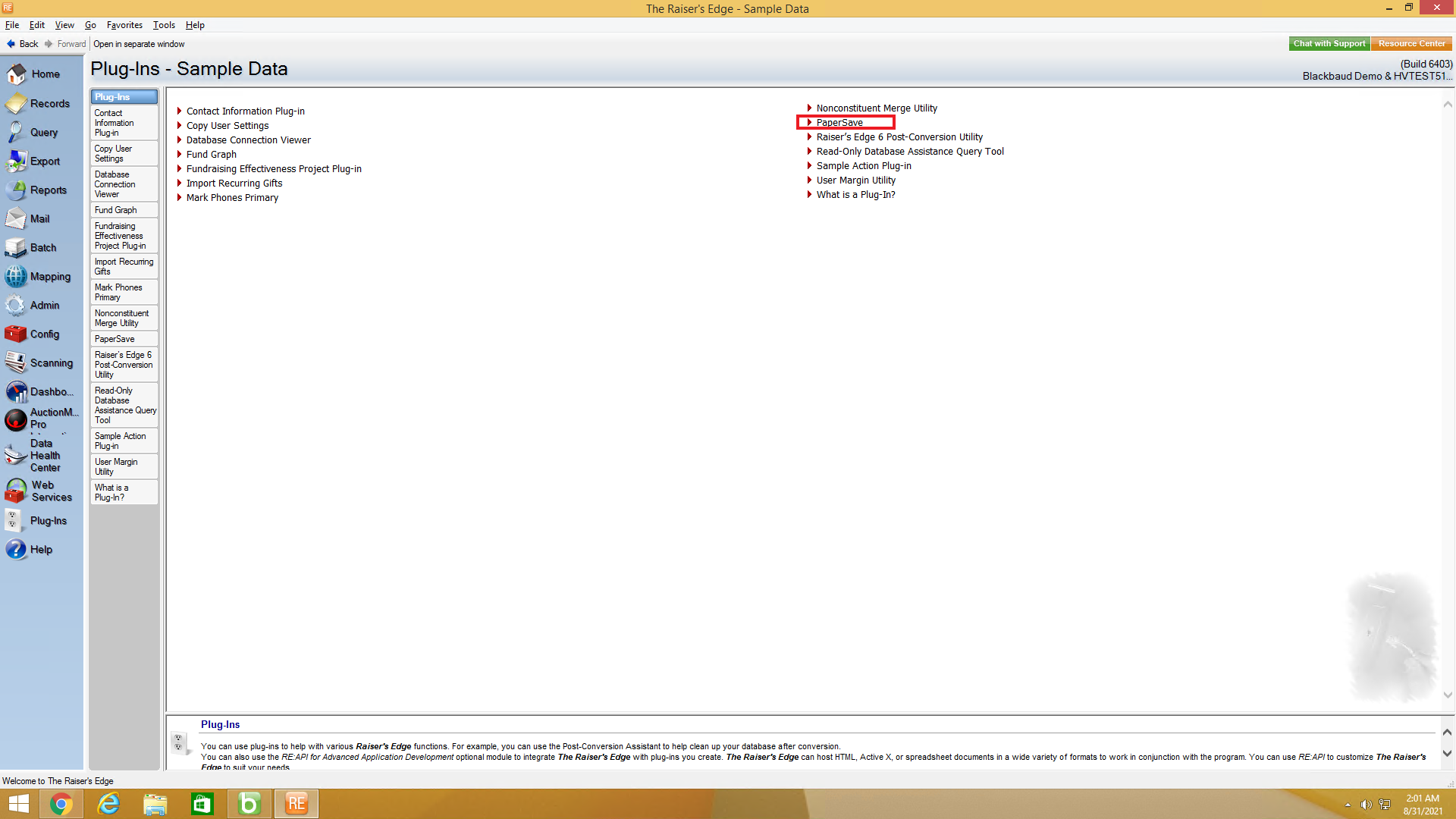
1) Go to Plug-Ins in the Raiser's Edge bar and select PaperSave to open PaperSave Options window as shown below.
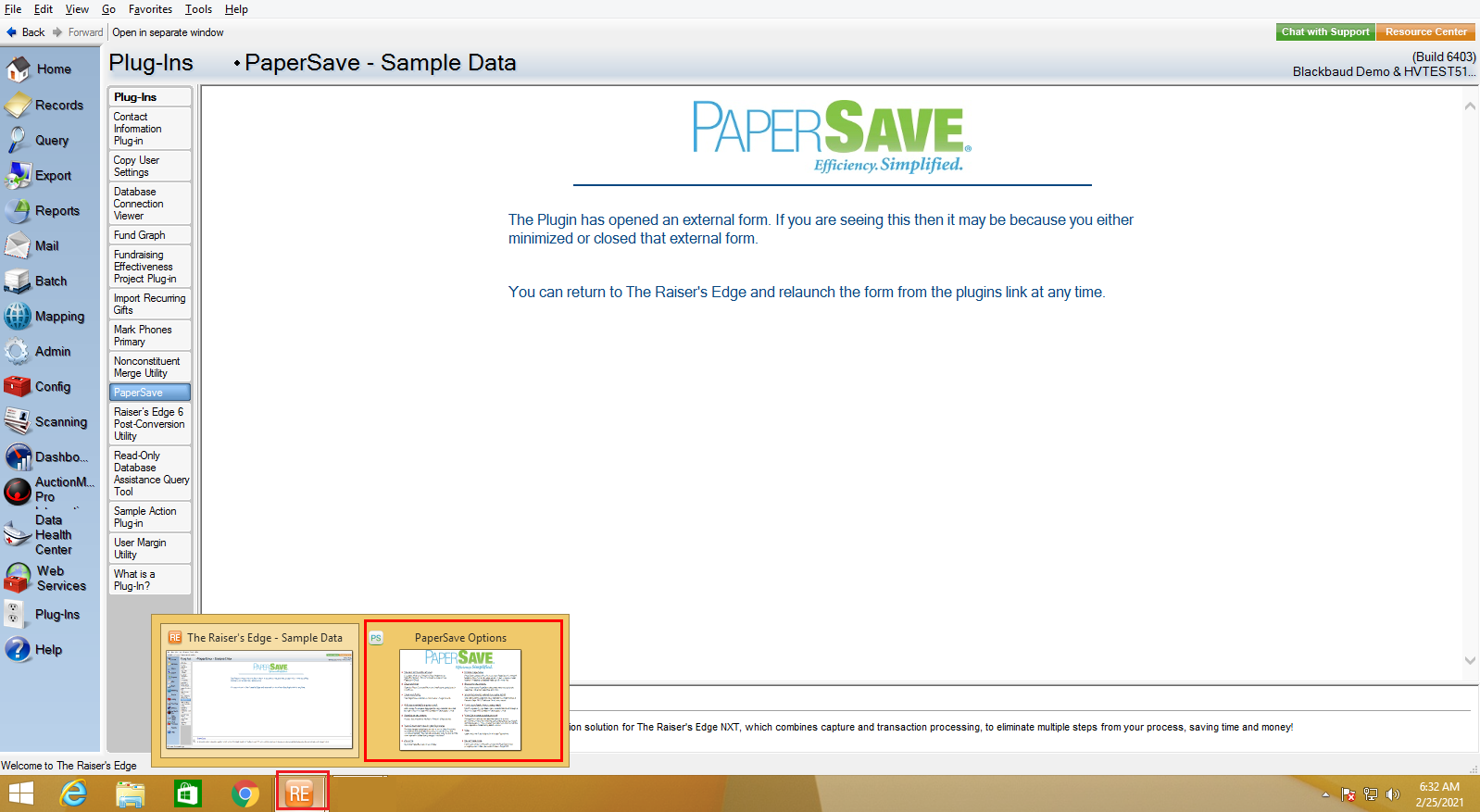
2) Once you click on PaperSave, it opens the PaperSave Options window, which gets automatically minimized. You can hover on the Raiser Edge application icon on the taskbar and select PaperSave Options to maximize the window, as shown in the below screen.
3) In PaperSave Options window, click on "Open Workflow" option as shown in the below screen.
.png)
Warning: You must enable PaperSave to access Open Workflow and other PaperSave options. Click here to view the steps to enable/disable PaperSave.
4) Now, you will be redirected to PaperSave Workflow Area. Click here to learn about the features and functionalities of the PaperSave Workflow Area.