|
Document Import |
  
|
| Show/Hide Hidden Text |
|
Document Import |
|
| Show/Hide Hidden Text |
Consider a situation where you do not have access to PaperSave and you want to attach documents. In such cases you can use the PaperSave Document Import utility, which allows you to create a CSV file in Excel and lets you attach the documents later.
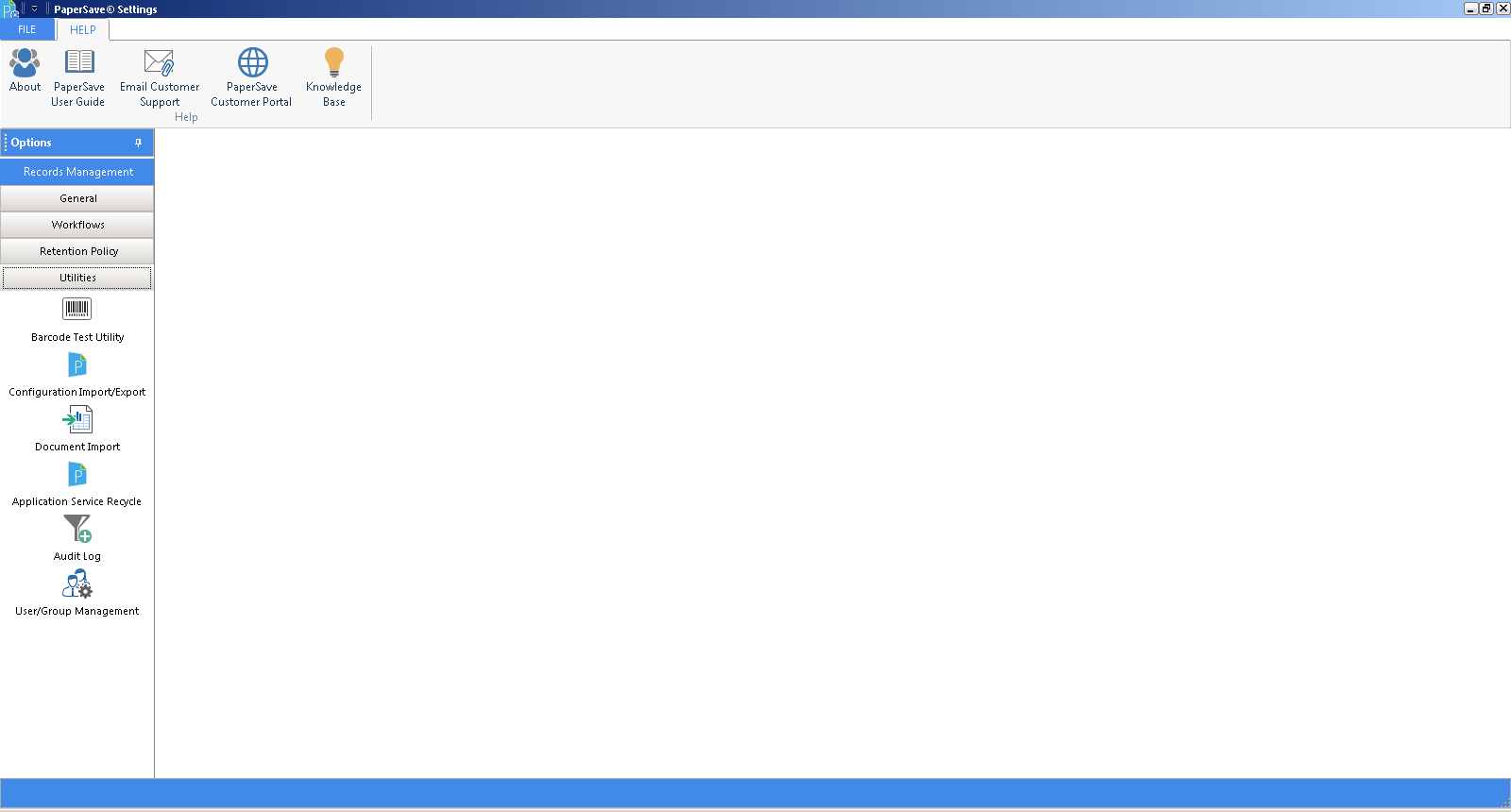
Click on image to view magnify and shrink print screen.