|
Drag & Drop |
  
|
| Show/Hide Hidden Text |
|
Drag & Drop |
|
| Show/Hide Hidden Text |
Drag and Drop functionality has made the process of adding documents to PaperSave much more easy and simple. You are allowed to add documents using Drag & Drop from Add New PaperSave Document web interface.
Supported Browsers for Drag & Drop from Add Document Form:
| • | Microsoft Internet Explorer 10+ |
| • | Google Chrome |
| • | Mozilla Firefox 4.0+ |
| • | Apple Safari 5.0+ |
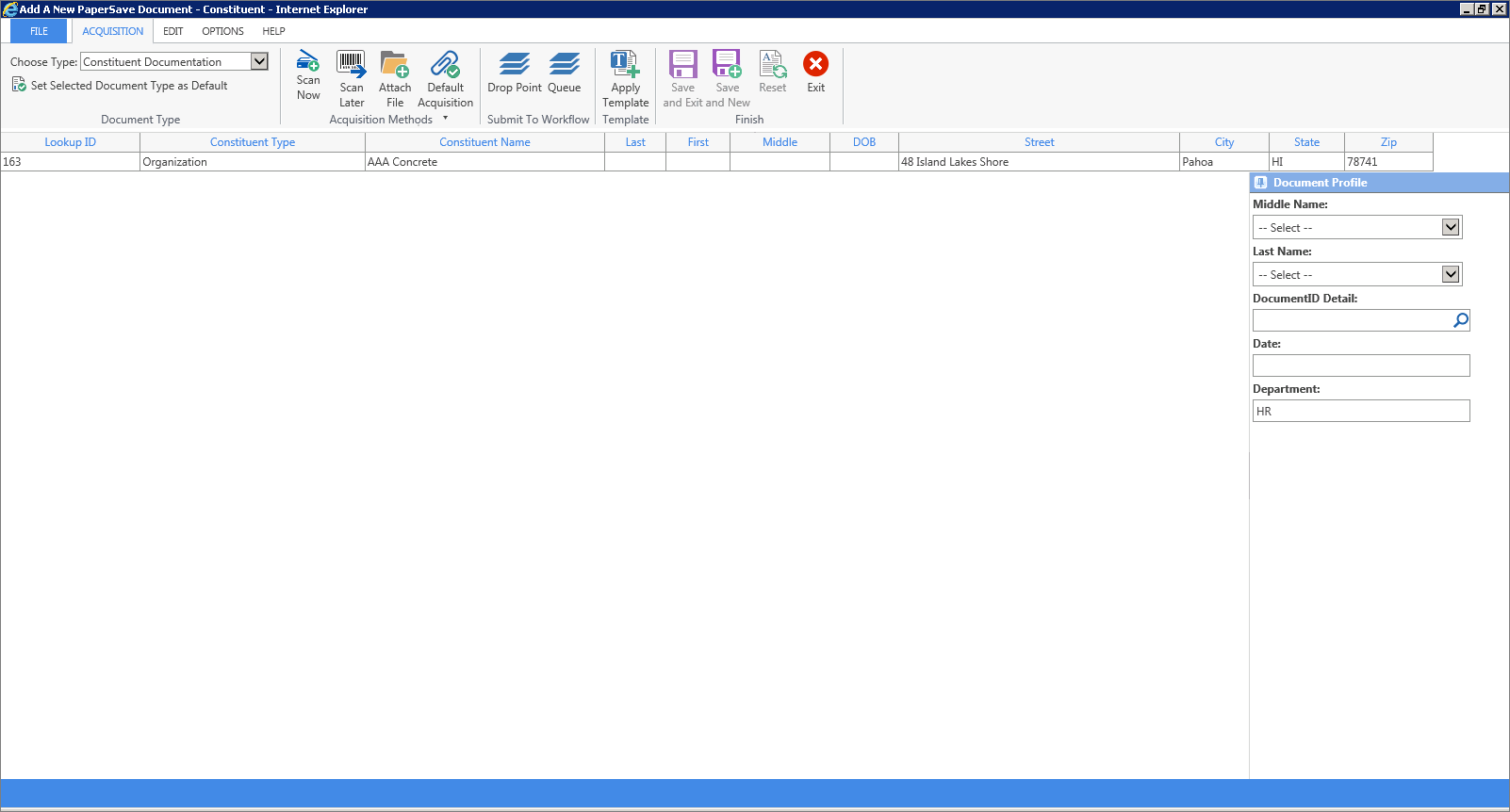
1. Open Add New PaperSave Document web interface. Drag the document from a location and drop it in this interface.
Note: |
You can only drag one document at a time. |
 |
| Click on image to magnify/shrink |
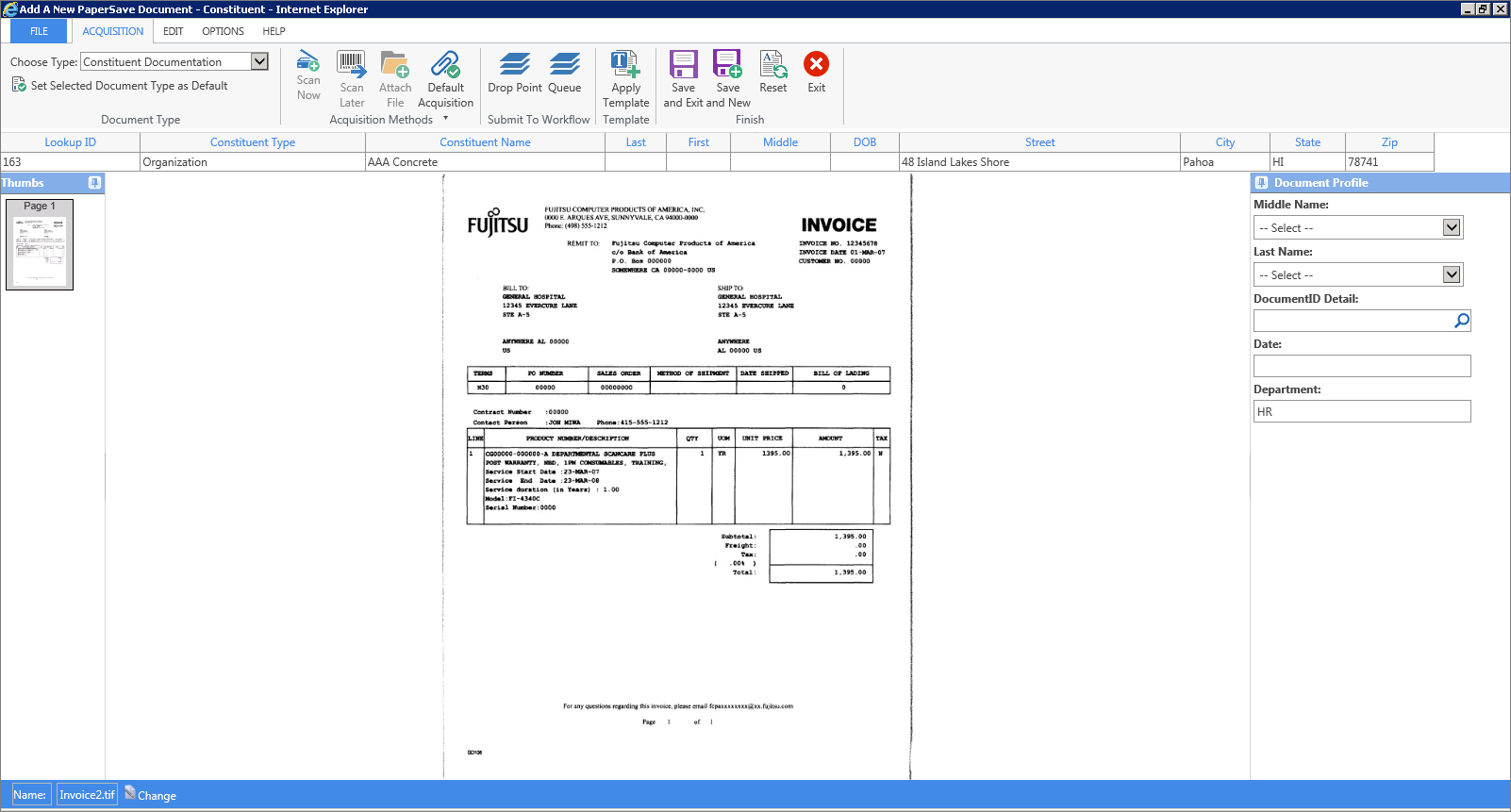
2. As soon as you drop the document in this interface, you should see the document in the document display area as displayed in the following image. Multiple actions can be performed using options available in the ribbon. Click here to know how these options functions.
 |
| Click on image to magnify/shrink |